
A branding system gives business
a platform for growth
Imagine what your brand can deliver for your future.
AI previews or voice are currently unavailable. You can still save and download your design brief.
No card to start. We present three design options and you can make up to three rounds of changes to your chosen direction.

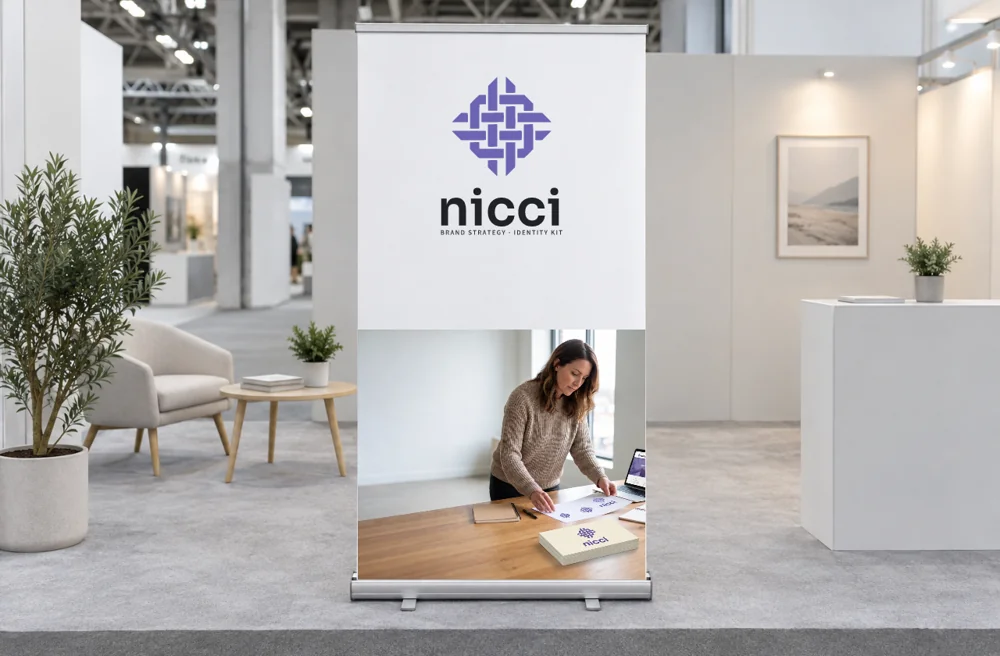
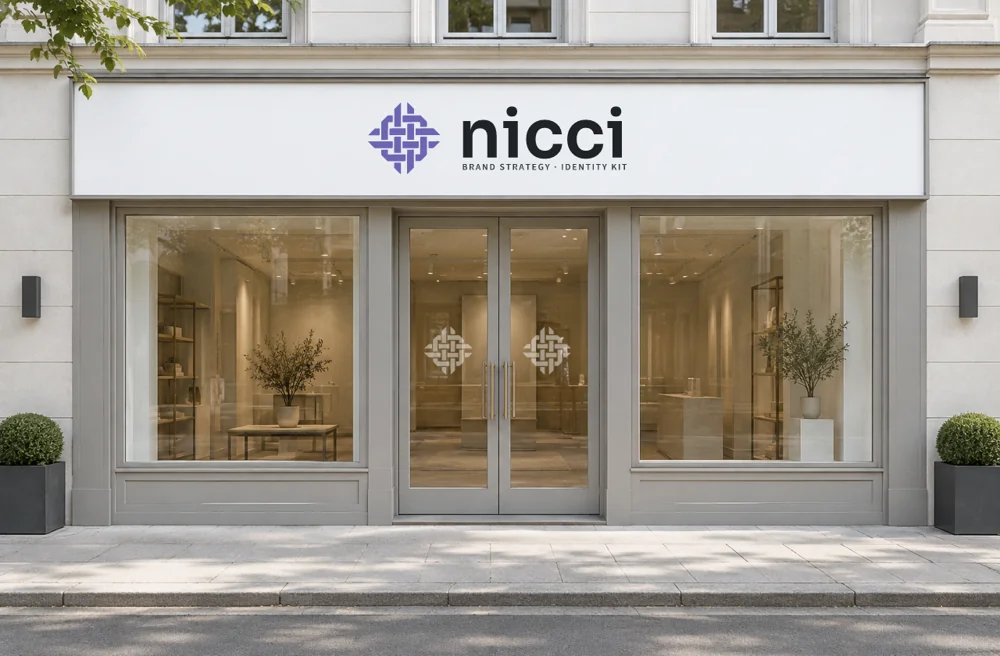
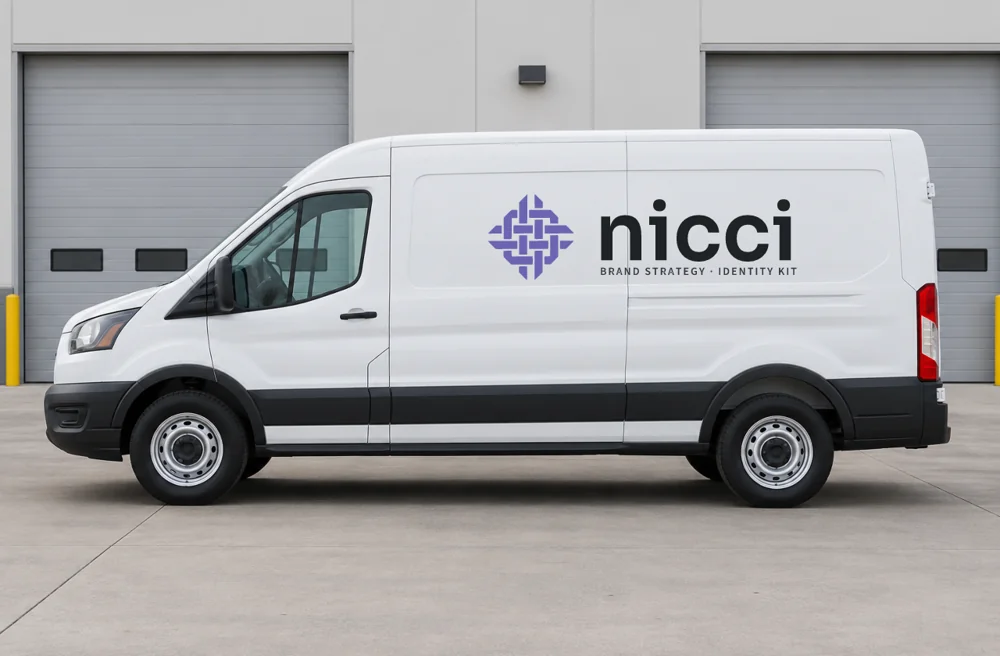
nicci · example Brand Kit
Picture your brand in the world.
See selected examples of the nicci identity across everyday business touchpoints. A glimpse of what a coherent brand can do.
Design account
Keep your momentum. Save your work.
Keep your account recovery code.
Save this code somewhere safe. It lets you reset your password without email support. It is shown once; resetting your password replaces it.
- 01Your brief
- 02Explore directions
- 03Choose your look
Start with your name, offer and audience. Save a draft whenever you need a pause.
Your design brief
What should your brand communicate?
You don’t need every answer yet. Start with what you know about your offer and audience, then build on it. You can save a draft at any point.
Type your answers or use the microphone beside each field. Review the completed brief, then confirm once before Nicci saves it and starts design.
Create an account or sign in above so your ideas are here when you return.
Your saved briefs
Your brands, ready to revisit.
Your brief
Does your brief sound right?
May I save your brief and start the design process?
Existing purchased kits and paid sessions retain their recorded voice allowance. You can start calls for two hours after first opening voice assistance. New purchases are not open yet; the planned kit offer includes ten minutes in total when purchases open.
Explore your protected design previews. One further set of three is included for the same brief. Choose your direction and save your choice. New kit purchases and new production-file delivery are not open yet. Existing customers can check their paid kit downloads in their session.
Your sessions
Continue where you left off.
To prepare a change for review, say “set the icon colour to red”, “set the primary colour to #247A5A”, “set the application background to cream”, or “set the vase logo scale to 60 percent”. Review the draft in adjustment controls before saving.